
 Auditing / Audits
Computer ScienceTextbook
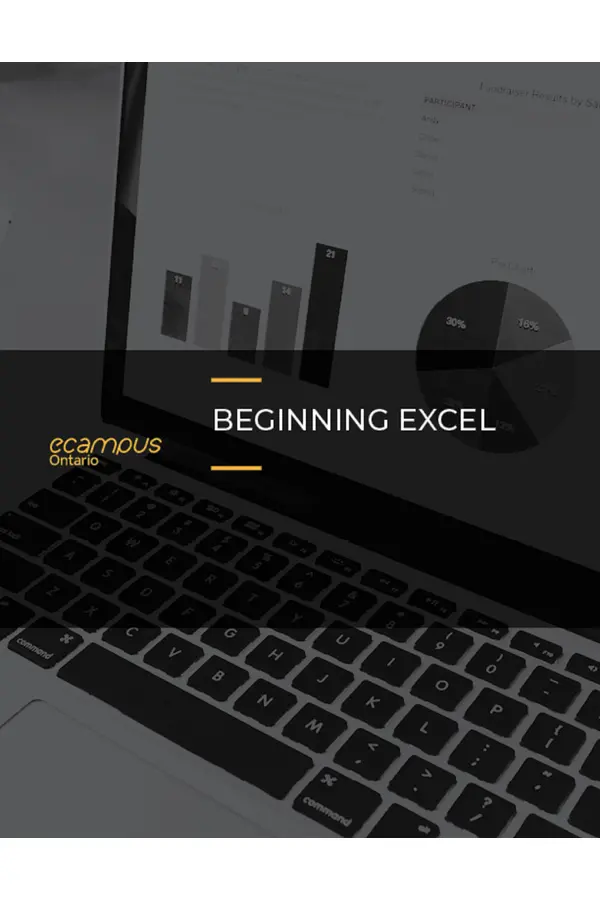
Beginning Excel
Not rated yetRate this bookBeginning Excel introduces spreadsheet work through practical examples, chapter practice, and scored assessments. Six chapters progress from entering and formatting data to formulas, functions, charts, tables, and multi-sheet workbooks.
Free reading is available at the official source. Opens in a new tab.
 Free
About this book
Beginning Excel introduces spreadsheet work through practical examples, chapter practice, and scored assessments. Six chapters progress from entering and formatting data to formulas, functions, charts, tables, and multi-sheet workbooks.
How to study this book
Work in a practice copy and reproduce examples before attempting the independent tasks. Check results with small known cases, inspect formulas rather than displayed values alone, and verify printed output. Screens and command locations may differ from the edition's examples, so focus on the underlying spreadsheet concept.
Chapter-wise explanations and study tasks
Chapter 1 — Fundamental Skills
The opening chapter covers workbook navigation, entering and editing data, formatting, basic analysis, and printing. Keep data meaning separate from appearance: formatting a cell does not necessarily convert its underlying value. Build clean, consistent layouts that support later calculation and review.
Study task: Create a small sales worksheet with labelled columns, consistent data types, readable formatting, and a checked print layout; deliberately correct three entry errors.
Chapter 2 — Mathematical Computations
Formulas, statistical functions, and personal-finance examples develop spreadsheet calculation. Track relative and fixed references, operation order, and the meaning of a function's inputs. A copied formula can produce plausible but incorrect values if its references move unexpectedly.
Study task: Build a monthly budget with formulas and summary functions, inspect copied references, and test one calculation manually using a small known example.
Chapter 3 — Formulas, Functions, Logical and Lookup Functions
The chapter extends calculation through logical decisions, lookup methods, and conditional formatting. State the rule or matching requirement in plain language before constructing the formula. Distinguish a visual highlight from the calculation that generates the underlying result.
Study task: Create a classification formula and a lookup against a small reference table, then test boundary values, missing matches, and the conditional-formatting rule.
Chapter 4 — Presenting Data with Charts
Chart selection and formatting connect a numerical relationship with a visual explanation. The chapter also considers transferring charts into documents and presentations and preparing output. Choose a chart for the question, verify its data range, and avoid design choices that obscure scale or comparison.
Study task: Create two chart types from one dataset, justify the more informative choice, and check labels, units, scale, source range, and exported appearance.
Chapter 5 — Tables
Tables support organized records and repeated analysis through basic and intermediate table skills. Consistent headers and rows make filtering and related operations more dependable. Verify that analysis includes the intended records and that formatting does not hide missing or inconsistent data.
Study task: Convert a fictional transaction list into a table, demonstrate sorting and filtering, and check that a summary uses the intended records.
Chapter 6 — Multiple Sheet Files
Multi-sheet workbooks connect related data through sheet organization, three-dimensional references, and templates. Consistent structure can simplify repeated work, while hidden assumptions in cross-sheet calculations can make errors difficult to detect. Audit both individual sheets and the combined result.
Study task: Create three consistent monthly sheets and a summary, verify cross-sheet formulas, then save a reusable template with clear input and calculation areas.
Applied assignment
Build a small operations workbook with clean data, calculations, a logical rule, a lookup, a table, a chart, and a cross-sheet summary. Include a checks sheet describing test cases, expected results, and print or export checks.
Suggested reading plan
Complete Chapters 1–2 for reliable entry and calculation, Chapter 3 for decision and lookup logic, Chapter 4 for communication, Chapter 5 for records, and Chapter 6 for reusable multi-sheet work. Use chapter practice before scored assessments.
Questions for reflection
- Does the cell contain the value you think it does?
- What happens when the formula is copied?
- Which independent test would reveal an incorrect total?
Edition and source notes
Based on the six-chapter Open Oregon Educational Resources text by Noreen Brown, Barbara Lave, Julie Romey, Mary Schatz, and Diane Shingledecker. The supplied edition's interface examples may differ from current Excel. Financial and other examples are spreadsheet practice, not individualized professional advice.
About access & copyright
This page provides book information and study material. Full-text access is provided by the original publisher or authorised source; a listing does not grant permission to republish the book.
Read our Library Access & Copyright policyExplore the contents
Check the chapters covered in this edition.
Visit the official source
See reading, preview or purchase options.
Save for later
Keep this textbook in your saved collection.
Reader ratings & reviews
Share your thoughts
Your review helps other students choose the right resources.
KEEP LEARNING
Your next great read
Auditing / Audits Business and Economics
Data Analytics and Decision Making
View Data Analytics and Decision Making — book Cognitive studies
Cognitive Science as String Manipulation
View Cognitive Science as String Manipulation — book Auditing / Audits
Auditing Information Systems
View Auditing Information Systems — book Computer Science
Eloquent JavaScript: A Modern Introduction to Programming
View Eloquent JavaScript: A Modern Introduction to Programming — book Business
Workplace Software and Skills
View Workplace Software and Skills — book Business
Principles of Data Science
View Principles of Data Science — book Computer Science
Introduction to Python Programming
View Introduction to Python Programming — book Computer Science
Introduction to Computer Science
View Introduction to Computer Science — book Computer Science